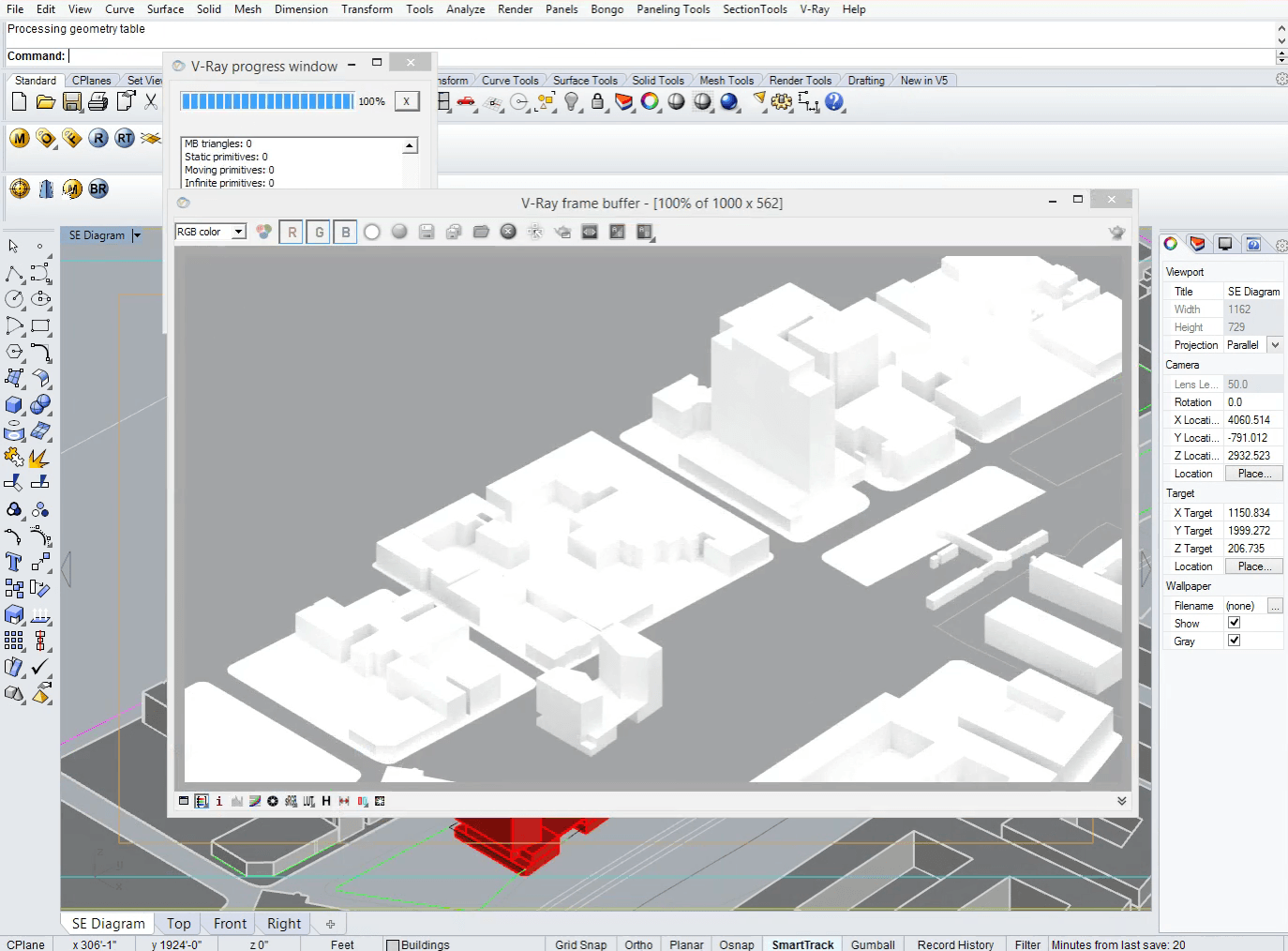
Ive done all of this, there must be something up with my rhino. I just compensated for the differences. I made my ISO 50 rather than 300. Seemed to do the trick. Thanks for the help though. Love your videos, very informative!
Hi Nicholas,
It seems there is another light source active, maybe the Rhino sun. If you type in _sun in the command prompt, make sure it is turned off. Also make sure you load the default Vray settings, by opening the Vray Options and clicking the "Load Defaults" button at the top or click on "Load" and go to C:\ProgramData\ASGvis\Options and load the Rhino Default..visopt
Let me know if this worked for you, good luck!
Arie