

Why take this course
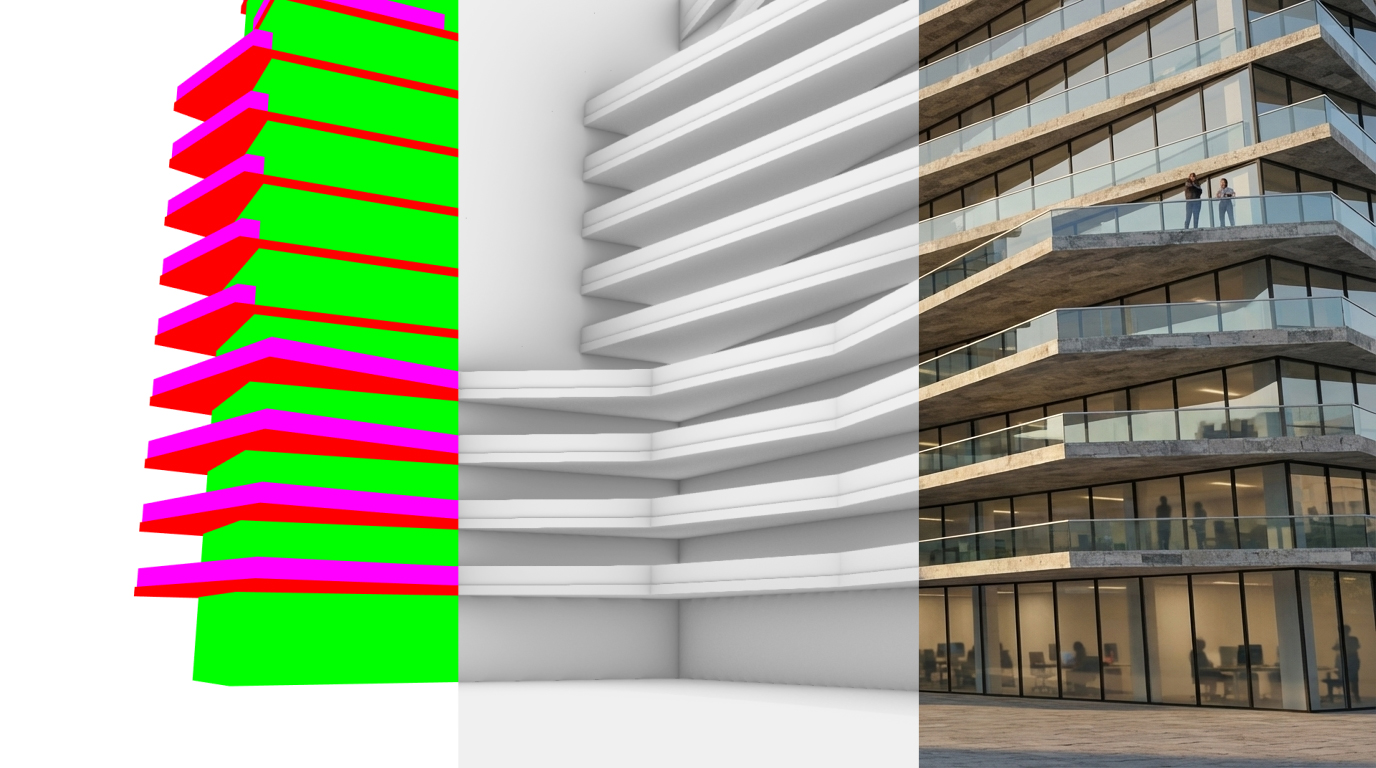
This could be a simple white render straight from your favorite design software—no materials, no fancy lighting, no people, nothing polished. Just a basic massing model, the kind you use early on to check form, scale, and proportions. Now imagine transforming that exact same geometry into a full presentation-style render in seconds using AI. Same massing, same proportions, same camera—the only thing that changes is the appearance: materials, lighting, trees, people, and atmosphere.
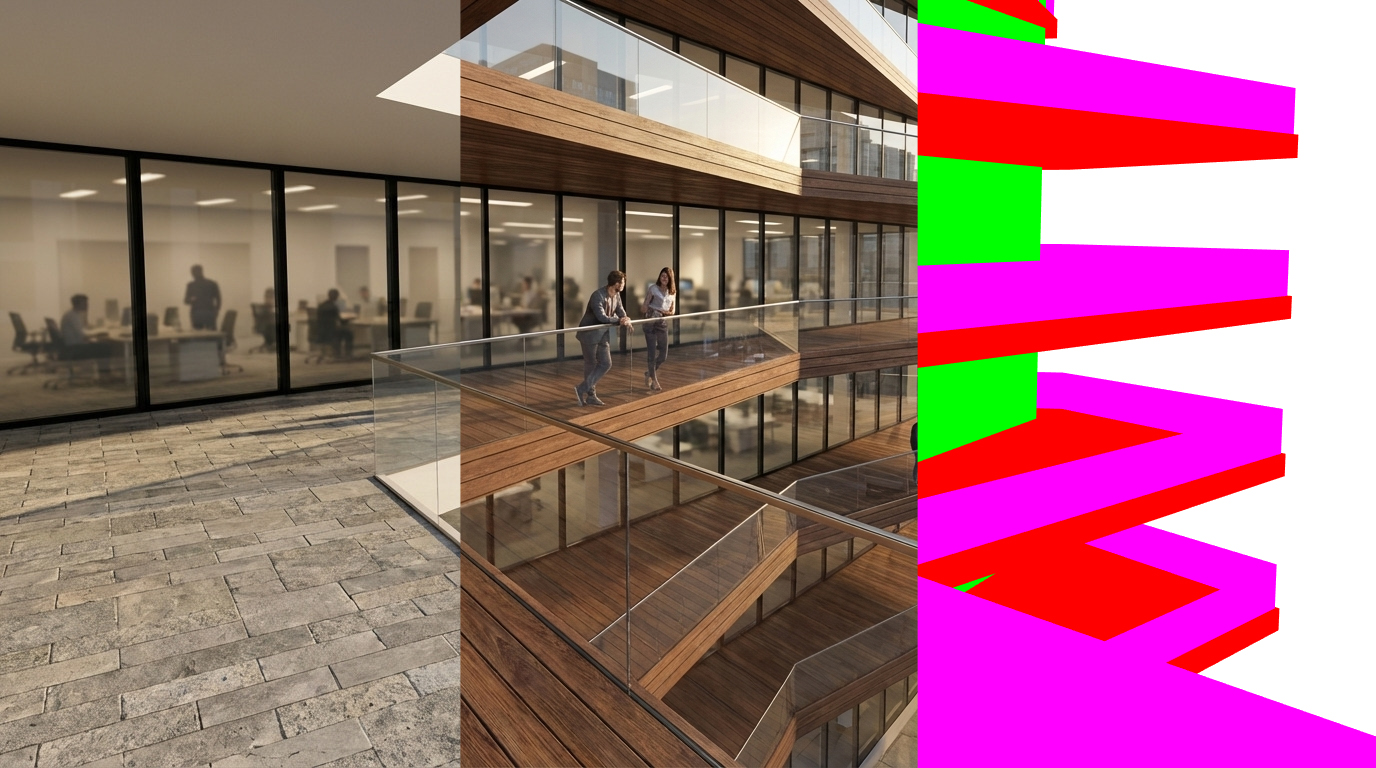
This course is not about AI replacing architects. You still have to design the building, coordinate the structure and the systems, and make sure it can actually be built. This is about using AI to replace part of the repetitive visualization grind that eats your time and energy—setting up cameras and lights, tweaking materials over and over, waiting for test renders, adding entourage, then repeating it all because the client wants a different material or a different mood.
Learn which AI image tools are actually worth your time as an architect, and exactly what to use them for. From early concept moodboards with Midjourney, to massing-to-photoreal workflows with Gemini and FLUX, to local pipelines that keep sensitive project data on your own hardware—this course gives you a clear, scenario-driven framework so you always pick the right tool for the job.
What you will learn and why it matters
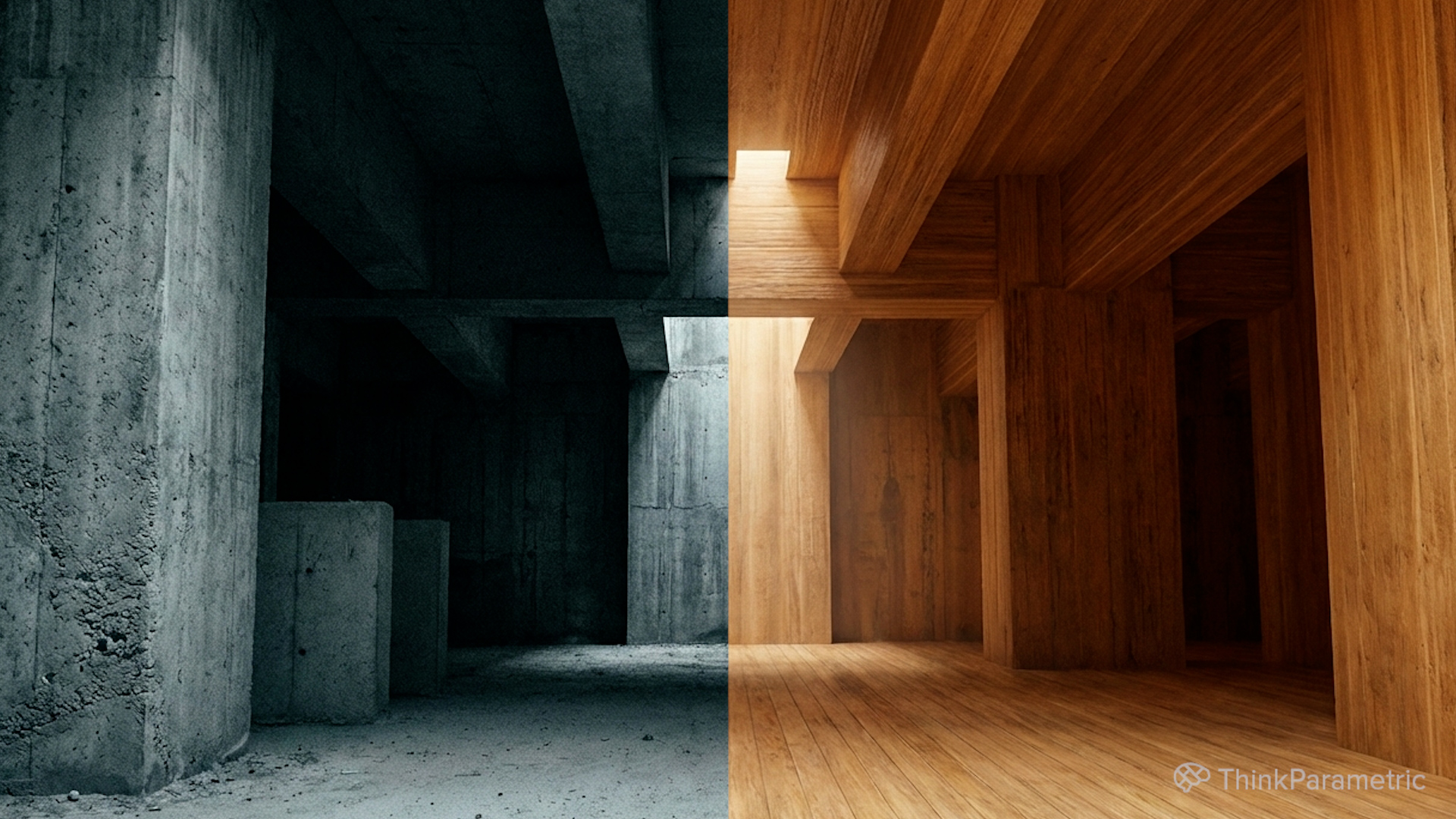
Build a complete understanding of the AI visualization landscape from an architect's point of view. Learn how diffusion models actually work—just enough to understand why some tools respect your geometry and others happily distort it. Master the four critical tensions that define every AI visualization decision: hallucination versus precision, privacy versus convenience, integration versus standalone tools, and hardware limits versus ambition. Then apply that knowledge across real scenarios—from blank-page moodboarding to massing-to-render pipelines, post-production editing, diagram generation, NDA-safe local workflows, and AI-powered architectural animations.
1. How AI image generation actually works for architects
Understand diffusion models in plain language—how they start from noise and step toward an image matching your prompt and control inputs. Learn why AI naturally improvises geometry, and how control signals like edge maps, depth maps, and segmentation maps keep your building intact. Grasp the critical split between geometry-controlled models like FLUX and text-driven models like Midjourney and Nano Banana, so you always know what to expect from each tool.
2. Scenario-driven tool selection across six real workflows
Navigate the full AI visualization landscape through practical scenarios you face every week: early concept moodboards with Midjourney and Gemini, massing-to-photoreal renders with Veras and Fenestra, fast post-production editing with Krea and Photoshop Generative Fill, diagram and explanatory visuals with LookX, privacy-safe local pipelines with SDXL and FLUX, and short animations with Runway and Luma Dream Machine. Walk away knowing exactly which tool to open for every situation.
3. The four tensions every architect must navigate
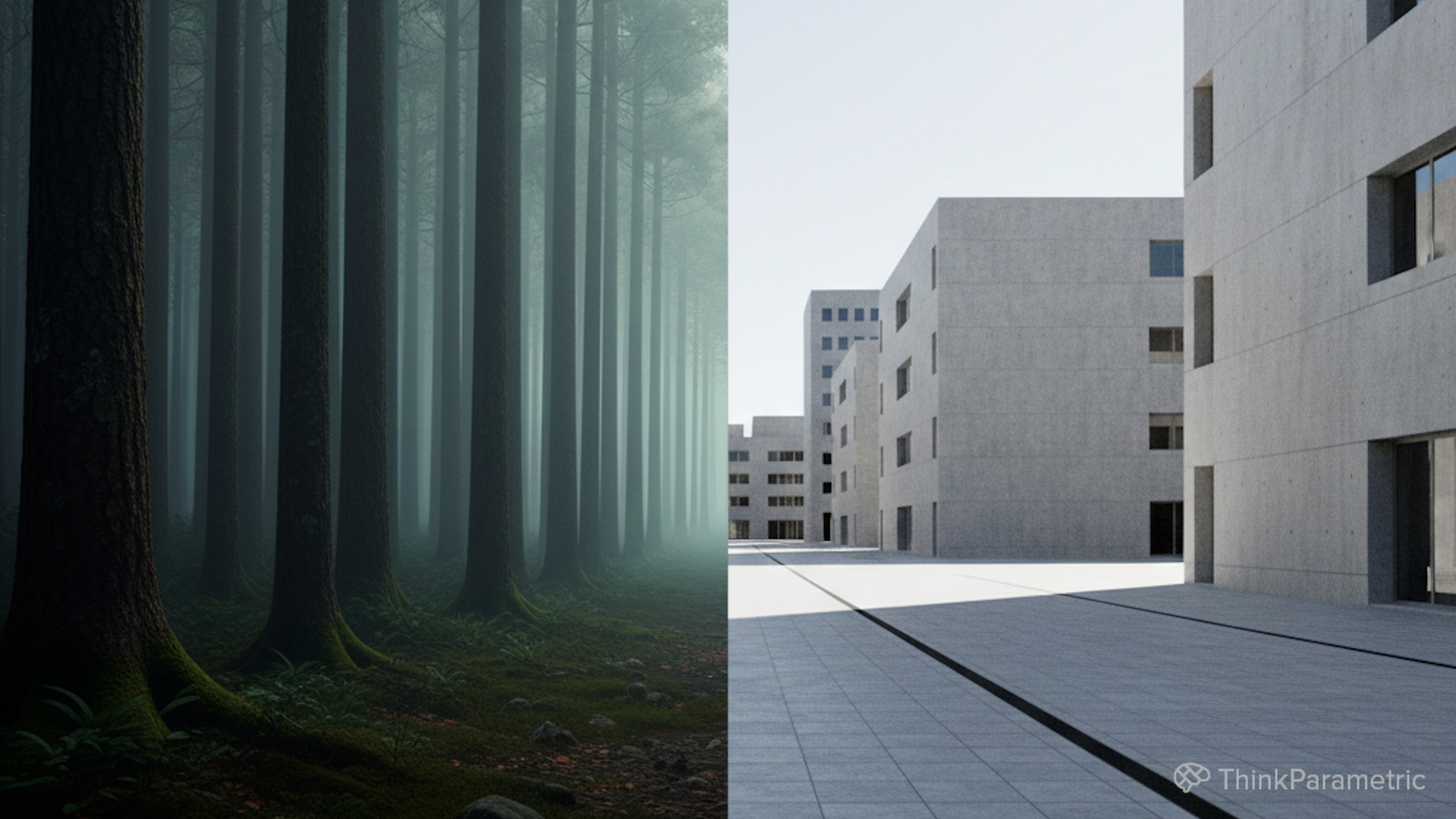
Master the framework that separates informed AI adoption from random experimentation. Evaluate every tool through four critical lenses: hallucination versus precision—how much does the AI improvise versus respect your geometry; privacy and IP versus convenience—cloud ease versus data control; integration versus standalone—embedded plugins versus separate apps; and hardware limits versus ambition—what your machines can realistically handle. These tensions become your permanent decision-making compass.
4. From still images to architectural motion
Go beyond static renders and learn how to turn your best AI-generated stills into short cinematic clips and flythroughs using Runway and Luma Dream Machine. Specify camera moves, control atmospheric mood, and produce compelling motion content for client presentations and social media—without building a full animation rig. Layer motion on top of the same design so stakeholders can feel the project in time, not just in a single frozen frame.
1.- Early concept moodboards without a concept
07min 58seg2.- From massing to believable images
09min 05seg3.- Editing and iterating on existing renders fast
07min 48seg4.- Diagrams and explanatory visuals
06min 22seg5.- Privacy and NDA constraints
02min 03seg6.- Shorts Animations and Motion
05min 13seg7.- Course Conclusion
01min 24seg