

Why take this course
Modeling a beautiful curved facade on a screen is just the beginning of great architecture. The real challenge is turning that digital concept into a physical building. Top firms are actively looking for professionals who understand parametric design inside and out—designers who can manage complex geometry and structural data at the exact same time. If you want to learn computational design with Rhino and Grasshopper, this course is your perfect starting point. Treat this experience as your ultimate parametric design tutorial. You will master the exact skills that take a stunning Rhino 3D model all the way to a real construction site.
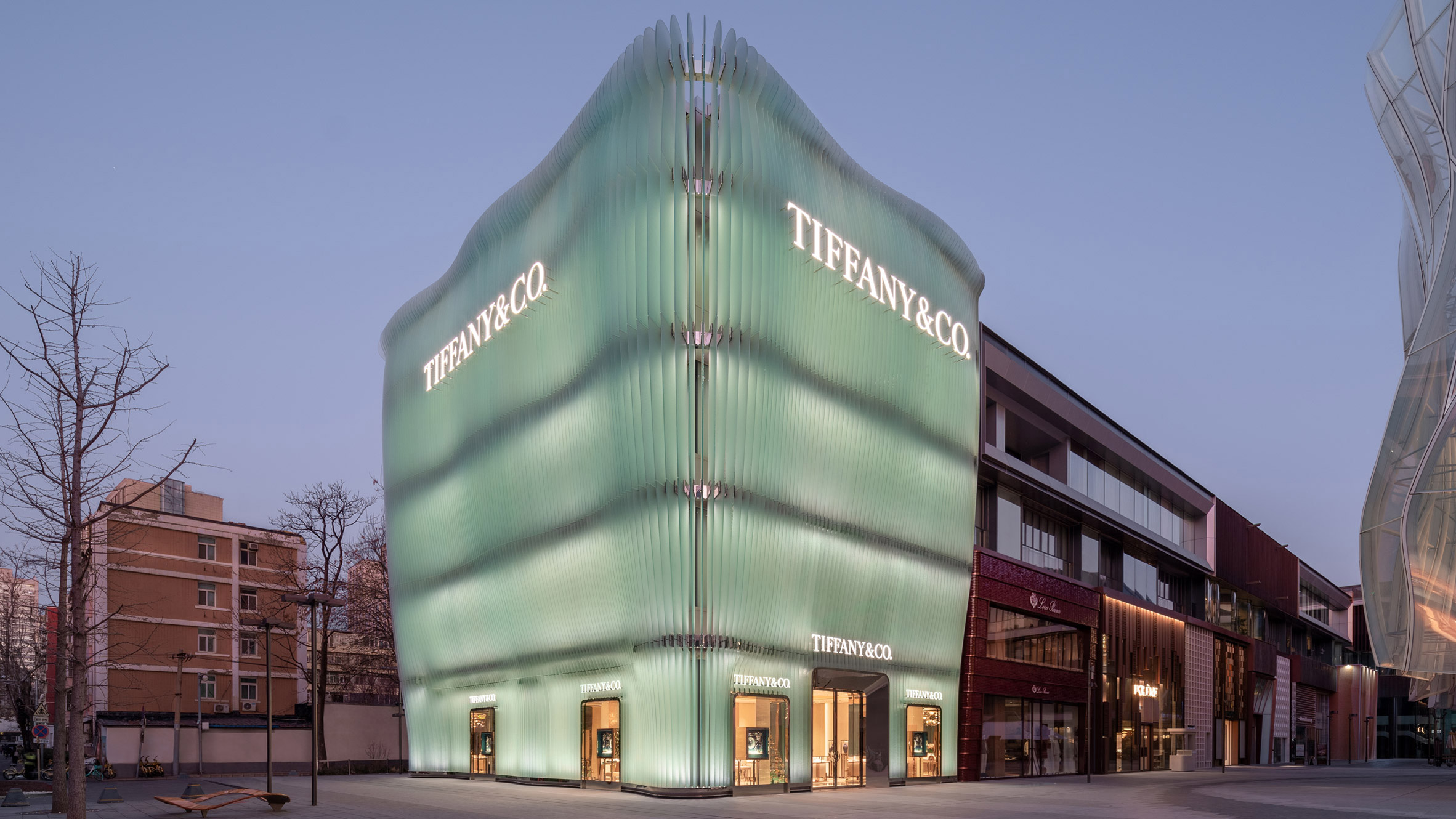
This 3D modeling tutorial gives you the workflow to bridge the gap between abstract design and physical reality. We will study the breathtaking Tiffany Beijing flagship store by MVRDV Architects. As you learn Rhino and Grasshopper, you will build a dynamic system that allows total creative freedom while maintaining strict control over complex manufacturing details. Mastering architectural design using Rhino and Grasshopper is the fastest way to become indispensable in any office. Building your skills in computational design will lead to better projects, higher salaries, and real creative control.
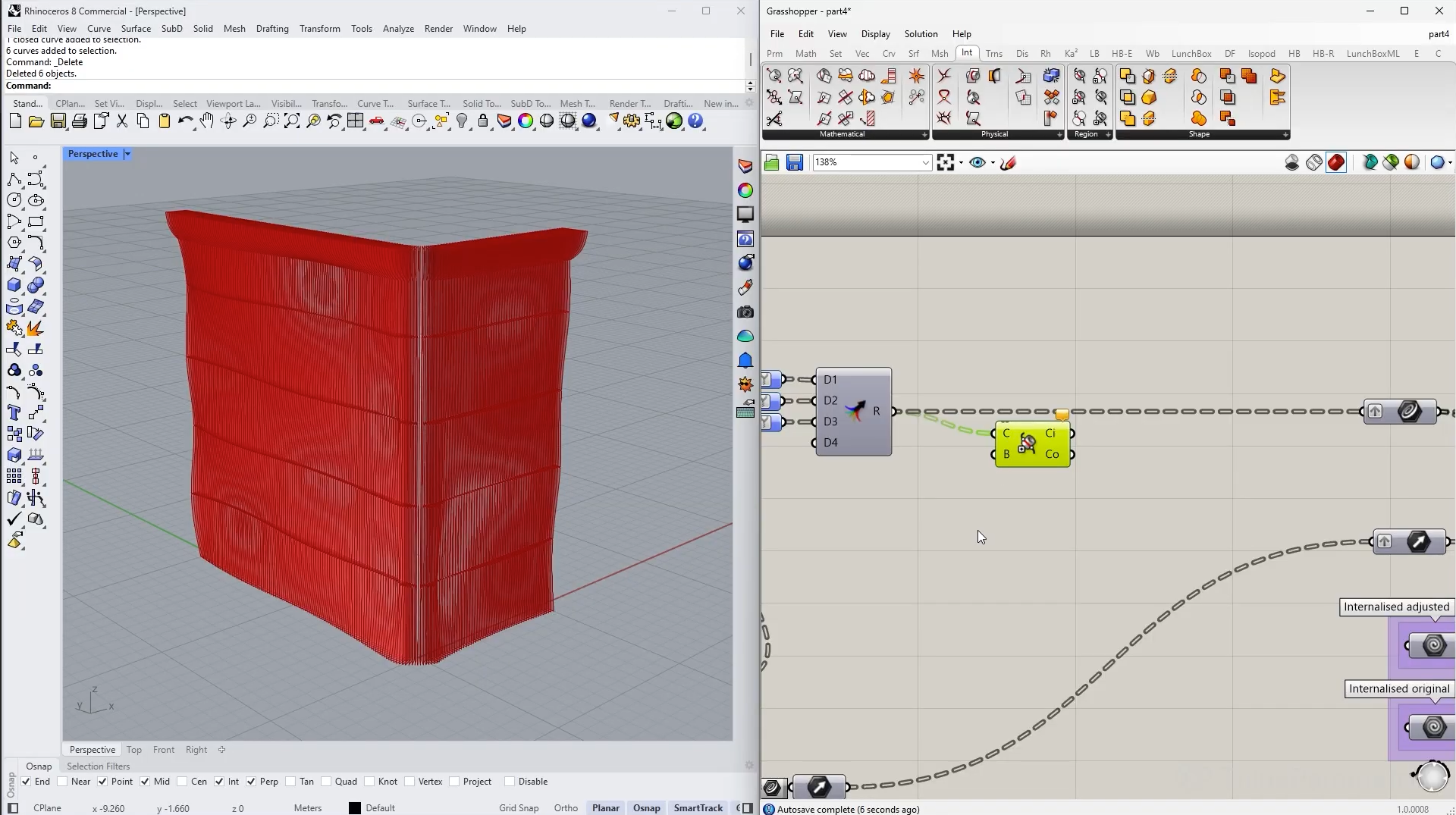
What you will learn and why it matters
We are going to use the breathtaking Tiffany flagship store in Beijing by MVRDV as our ultimate case study. Together, we will reverse engineer its famous rippling glass facade from scratch. As we explore these new software workflows, we will find the perfect balance between organic aesthetics and strict manufacturing logic. By the end of our journey, we will transform a bold digital concept into a completely builder-ready layout.
SubD Modeling for Organic Forms
You will mix manual SubD modeling in Rhino with parametric control in Grasshopper. This teaches you how to create the fluid curvature of the glass facade. It is highly valuable because it gives you the freedom to sculpt complex shapes without losing the precision needed to control edges and surfaces.
Rationalizing Geometry for Construction
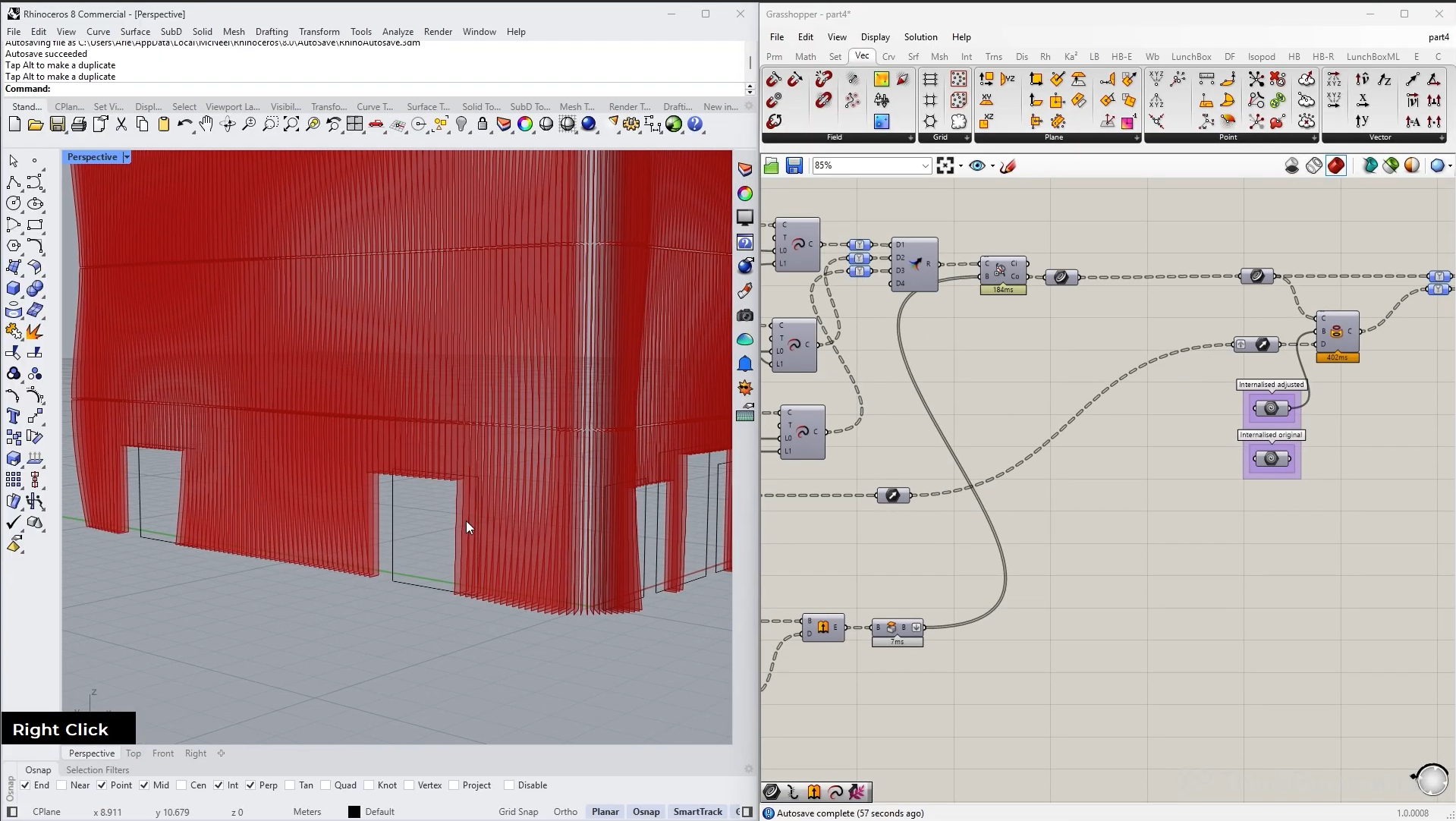
Real machines cannot build an infinitely long curved fin. You will learn how to slice your seamless design into rational and standardized panels. This skill matters because it ensures your architectural concepts can actually be manufactured. You will even learn how to add precise fabrication tolerances for real-world assembly.
Intelligent Metadata and Tagging
We will inject custom data directly into your Rhino model. Every single glass pane will know its exact location, column, and row. This transforms a basic digital model into an intelligent database. Knowing how to attach real-world data to geometry makes you a highly efficient and modern computational designer.
Automating Fabrication Drawings
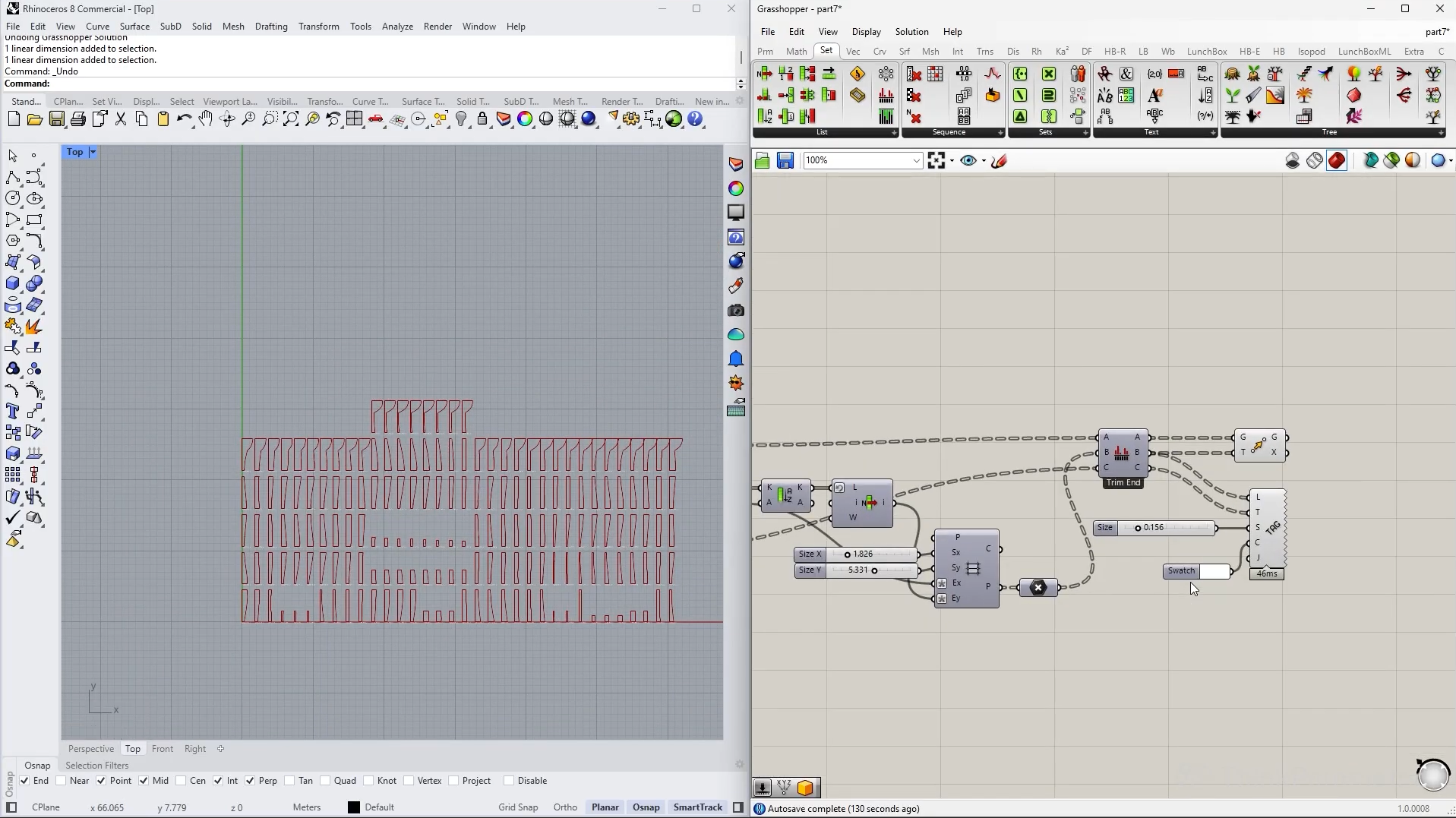
A beautiful visual model means nothing if the manufacturer cannot understand it. You will learn how to automatically flatten your entire facade onto a flat plane, generate intelligent tags, and organize the parts perfectly for factory production. This is valuable because it automates hours of tedious drafting and guarantees your geometry is ready to be built.
1.- Defining the Building Mass and Floor Levels
12min 06seg2.- Subdividing Curves for Fin Locations
11min 58seg3.- Projecting Fins onto a Custom SubD Surface
17min 53seg4.- Splitting Fins and Adding Fabrication Tolerances
15min 47seg5.- Generating Tags and Baking Metadata to Rhino
13min 58seg6.- Creating Oriented Planes and 3D Text Tags
15min 22seg7.- Refining Text Tags and Filtering Baked Elements
24min 58seg8.- Laying Geometry Flat for Construction Drawings
15min 21seg9.- Outro
01min 33seg