

Why take this course
Working in Grasshopper is faster when you stop clicking through menus and start using the right shortcuts. Small actions compound into real time savings and cleaner definitions. Taught by Arie de Jongh, a computational designer with more than 10 years in the AEC industry, this exercise shares the practical habits Arie uses on real projects to move across the canvas with speed, avoid repetitive steps, and keep work tidy and easy to debug.
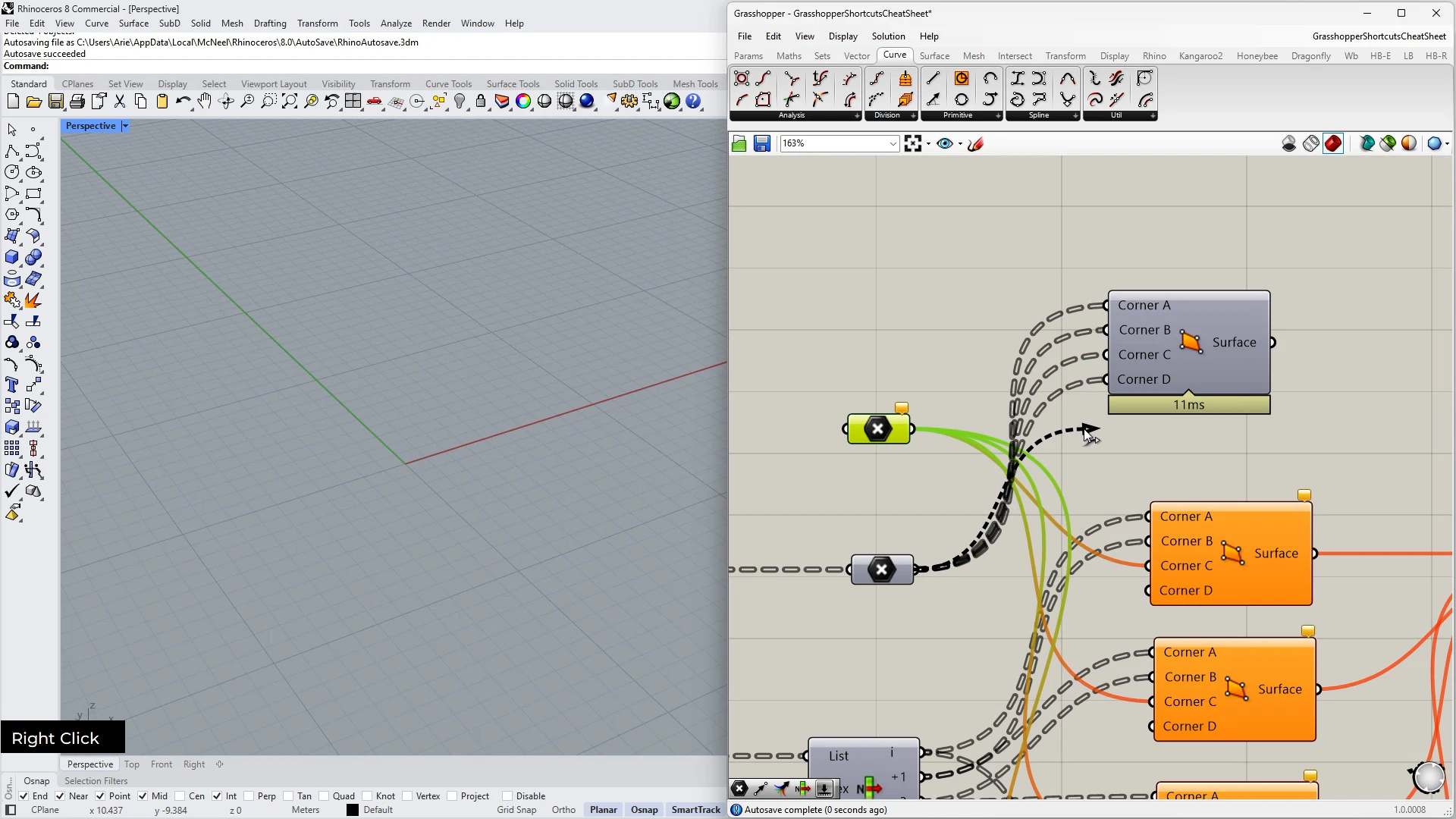
You will learn techniques that improve your productivity. Search for components instantly, connect and manage wires with precision, and control previews to cut visual noise. The goal is simple: help you work the way experienced Grasshopper users actually work.
By the end you will navigate with confidence, structure your canvas clearly, and spend more time designing rather than hunting for tools. Whether you are leveling up for studio deadlines or sharpening your daily workflow, Arie guides you through a focused set of moves that make Grasshopper feel lighter and faster.
What you will learn and why it matters
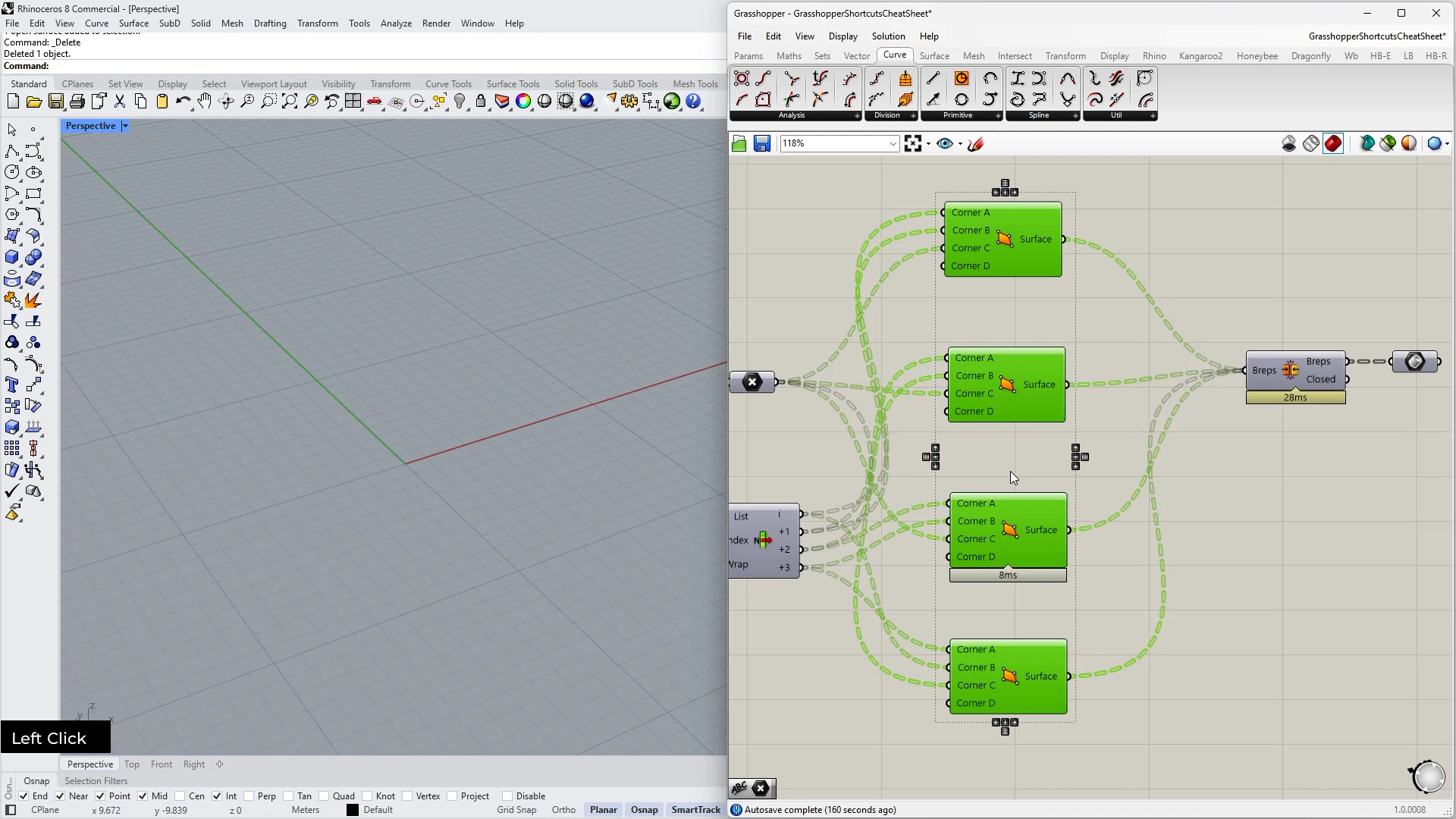
The course delivers a compact toolkit for speed and clarity in Grasshopper. You will master core mouse and keyboard combos for smooth navigation, wire smarter to reduce errors, manage components without breaking flow, and tune previews to keep attention on what matters. These skills translate directly to faster iterations, fewer mistakes, and definitions that you can hand off with confidence.
Mastering mouse and keyboard combos
Use fast search, copy, spacing, and navigation moves to stay in flow. Learn spacebar search, smart duplication, split and reroute actions, and quick canvas menus so you place and edit components without breaking rhythm.
Smarter wire connections
Connect, disconnect, and reorganize multiple wires with precision. Add relays on the fly, reuse names while wiring, and move sets of connections in one step to keep signal paths clear and robust.
Component management like a pro
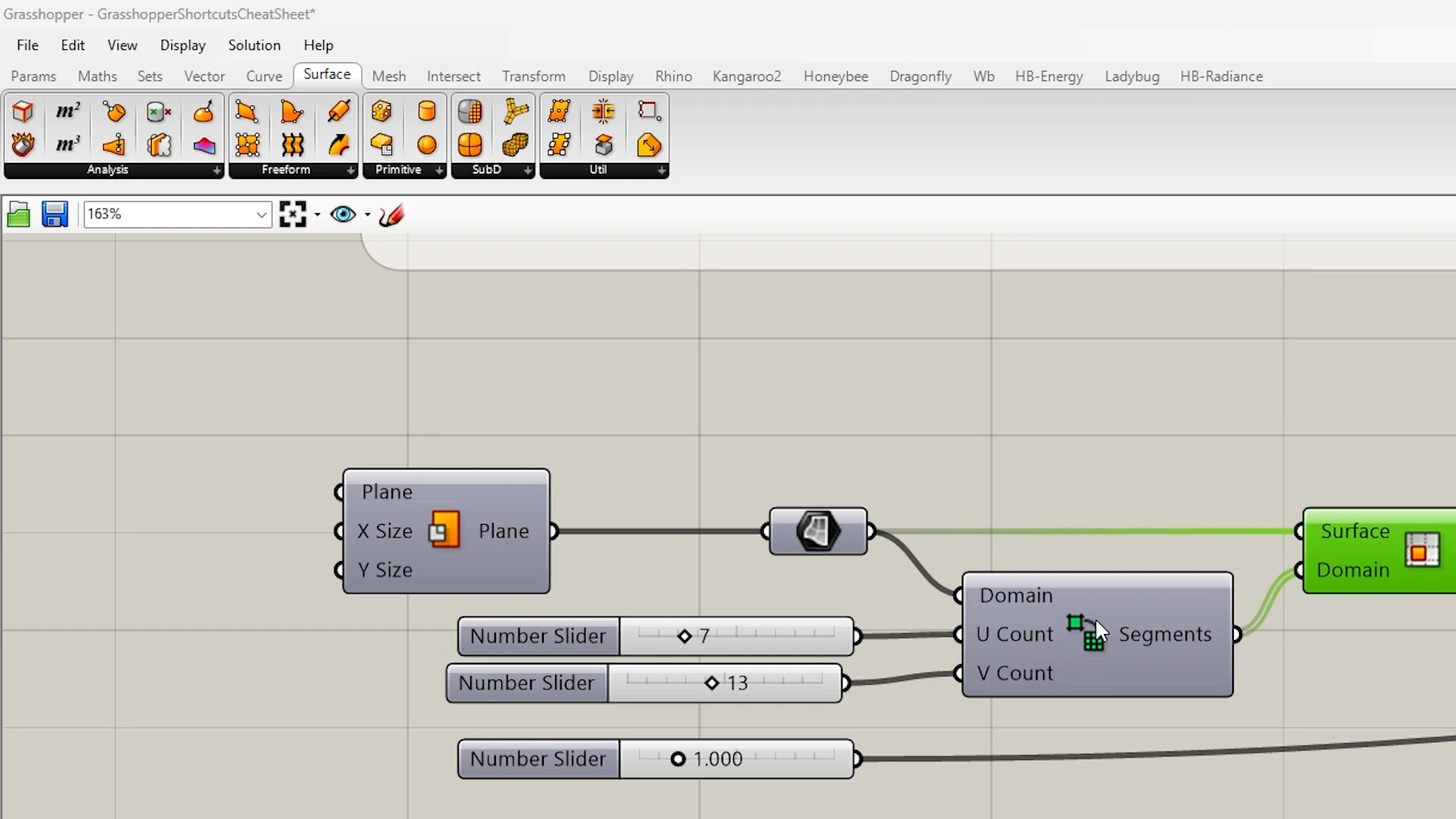
Toggle previews, enable or disable nodes, bake with intent, and group related elements to keep logic readable. Paste without overlap and organize by rows so milestones and options are clear at a glance.
Efficient preview and canvas navigation
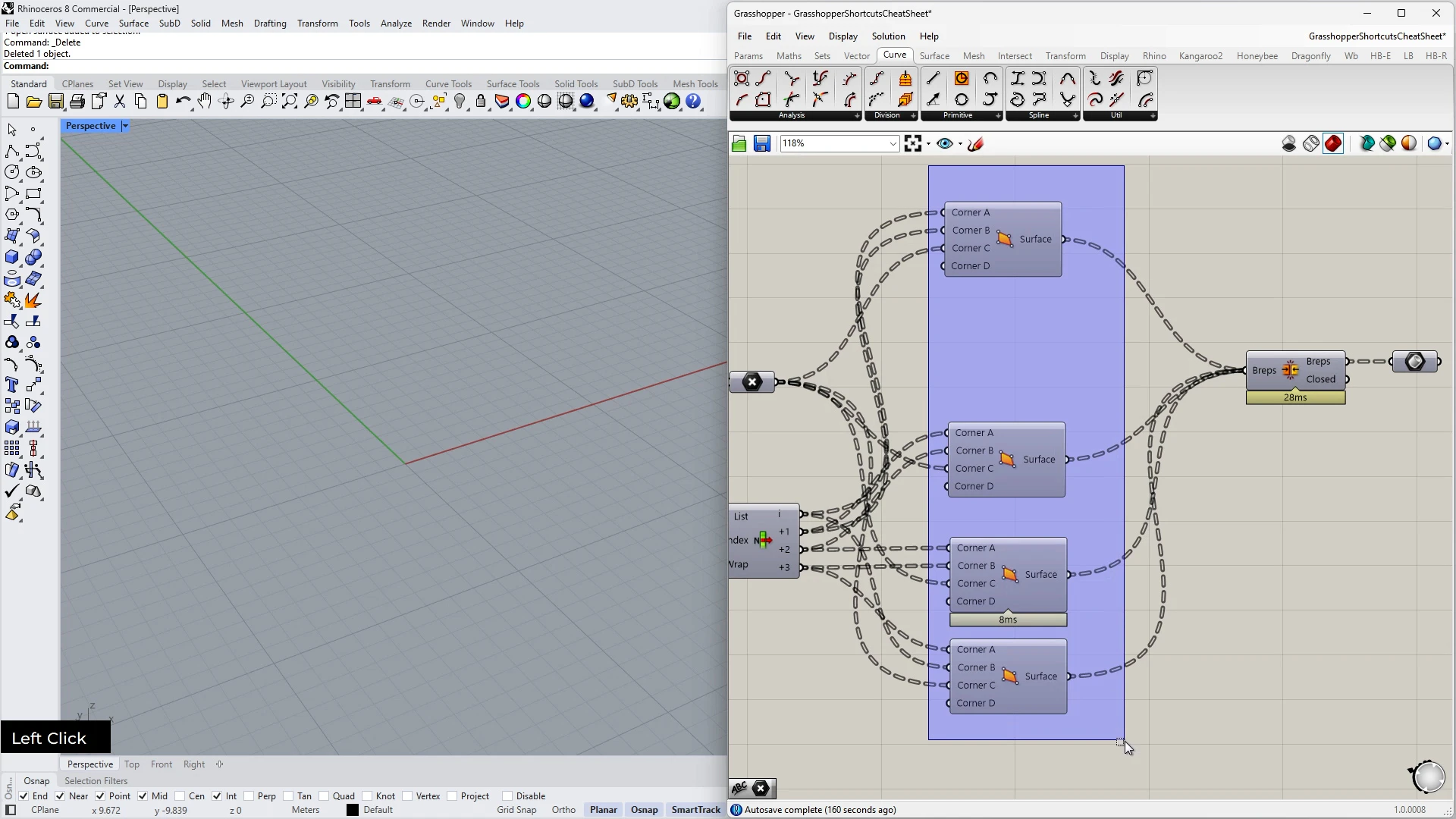
Control visibility to reduce clutter and speed up decisions. Switch between display modes fast, show only what you need, jump between files, and create sliders and panels on the fly to keep momentum.
1.- Grasshopper shortcuts - part 1
12min 00seg2.- Grasshopper shortcuts - part 2
12min 25seg3.- Best practices for creating your definitions
08min 55seg